- Dart 96.3%
- Java 3.7%
| Filename | Latest commit message | Latest commit date |
|---|---|---|
| .idea | ||
| .vscode | ||
| android/app/src/main/java/io/flutter/plugins | ||
| example | ||
| lib | ||
| .editorconfig | ||
| .gitignore | ||
| .metadata | ||
| .prettierrc | ||
| CHANGELOG.md | ||
| LICENSE | ||
| pubspec.yaml | ||
| README.md | ||
| wheel_spinner.iml | ||

wheel_spinner
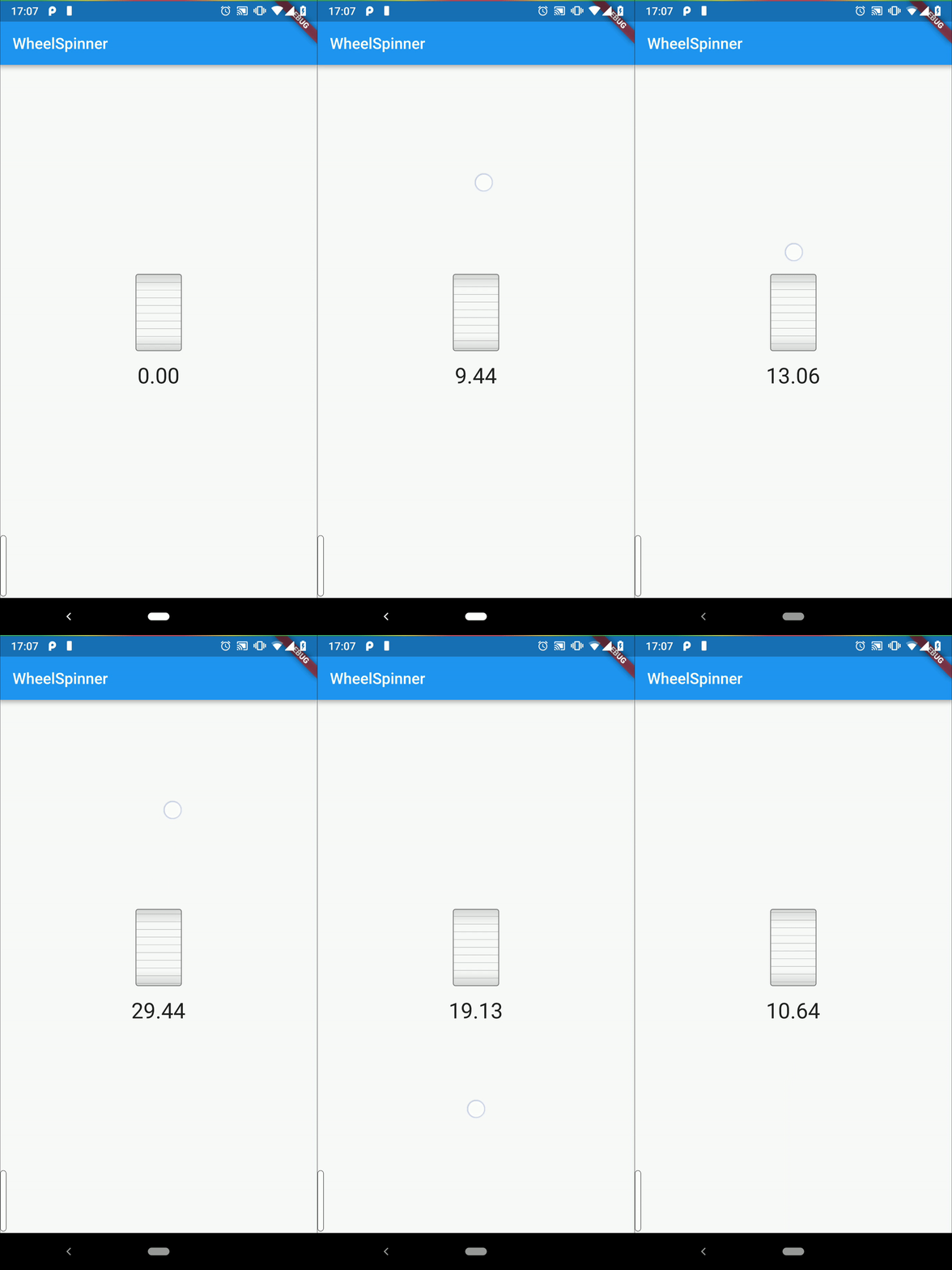
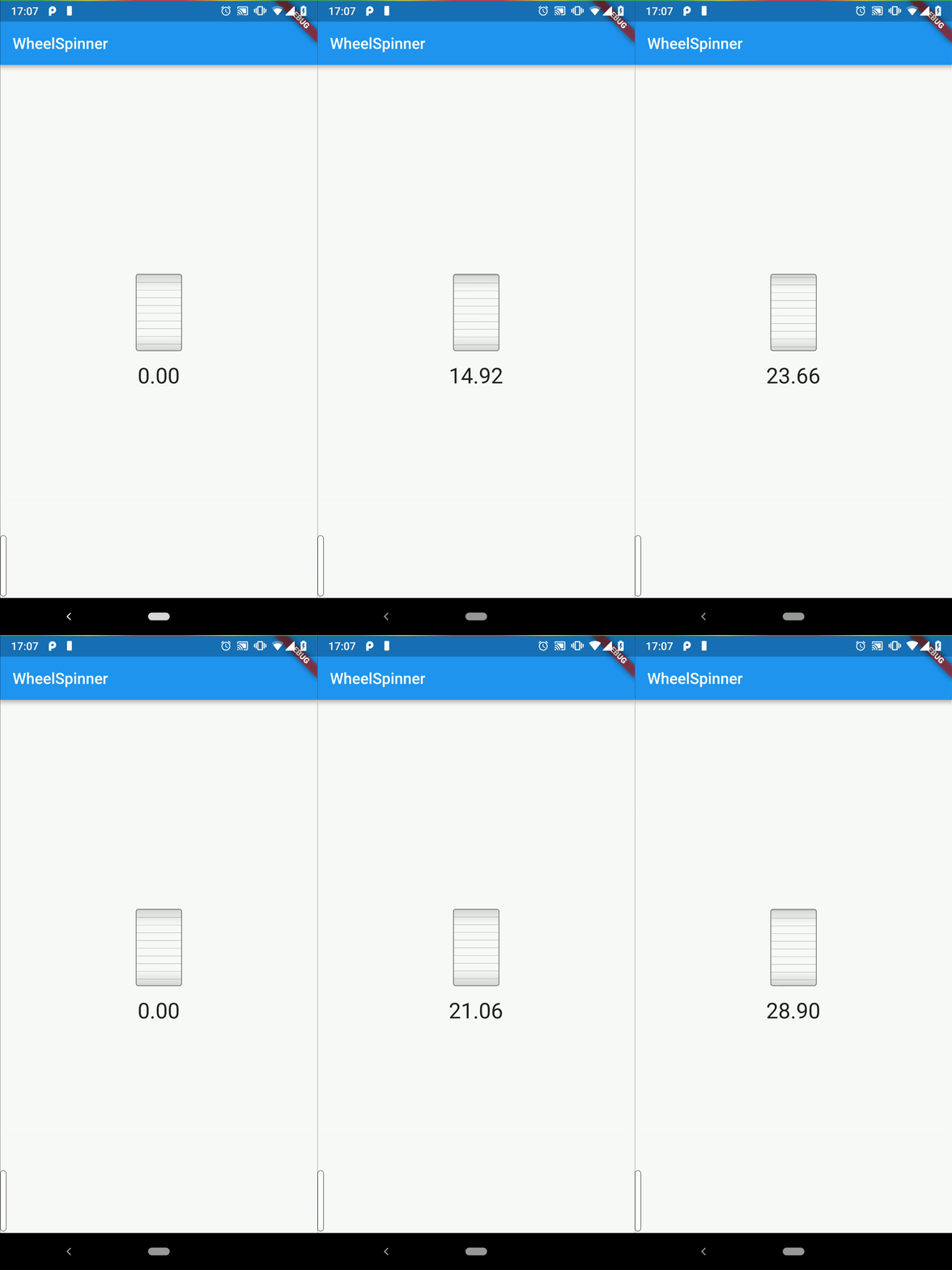
WheelSpinner provides you with a simple number spinner that resembles a wheel, knob, or more
specifically pitch bender knobs. It allows you to update a single double value with a finger fling
or drag as in the example below.
How to use
Simply import the package, and use the exposed WheelSpinner widget.
See all the individual parameters for more details on theme and display customization, as well as event handlers. Here is a a full usage example:
Widget build(BuildContext context) {
  return WheelSpinner(
    // required
    value: value,
    min: 0.0,
    max: 100.0,

    // optional
    onSlideStart: (val) => debugPrint(value),
    onSlideUpdate: (val) => onChange(value),
    onSlideDone: (val) => debugPrint(value),
    childBuilder: (val) => Text(val.toString()),
    theme: WheelSpinnerTheme.light(),
  );
}
Customizing the theme
You can use the theme property to override a theme once, or wrap many sliders in the same
WheelSpinnerTheme widget, which references a theme in its' data property.
Direct override example:
WheelSpinner(
  value: value,
  min: 0.0,
  max: 100.0,
  onSlideUpdate: (val) => onChange(value),
  theme: WheelSpinnerTheme.light().copyWith(
    borderRadius: BorderRadius.circular(10),
  ),
)
Inherited widget override example:
WheelSpinnerTheme(
  data: WheelSpinnerTheme.light().copyWith(
    borderRadius: BorderRadius.circular(10),
  ),
  child: WheelSpinner(
    value: value,
    min: 0.0,
    max: 100.0,
    onSlideUpdate: (val) => onChange(value),
  ),
)
Contributing
I am developing this package on my free time, so any support, whether code, issues, or just stars is very helpful to sustaining its life. If you are feeling incredibly generous and would like to donate just a small amount to help sustain this project, I would be very very thankful!

I welcome any issues or pull requests on GitHub. If you find a bug, or would like a new feature, don't hesitate to open an appropriate issue and I will do my best to reply promptly.
If you are a developer and want to contribute code, here are some starting tips:
- Fork this repository
- Run
dart pub get - Make any changes you would like
- Update the relevant documentation (readme, code comments)
- Create a PR on upstream